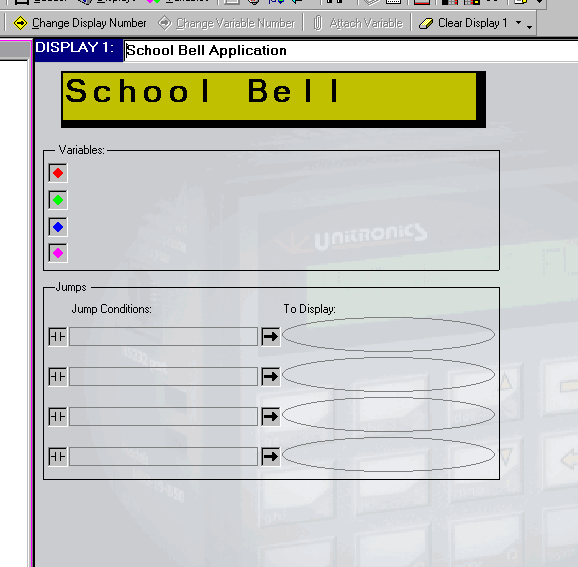
Use this editor to create your HMI application for customizing the operating panel functions to the control task.
Use the Display Editor to:
Create text displays that will appear on the LCD. .
Link display text to a variable..
Configure links, or up to four jumps, to a display.
Format the LCD variable display.
The number of displays and variables that you can include in your application varies according to your controller model. A list of these differences is in the topic M90/91 and Jazz, Memory and Features.
Display Editor view: