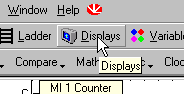
To create a Display:
Click the Display icon on the Standard toolbar. The Display Editor will open.
Click the Add New Display icon in the HMI toolbar.

A new Display is created.
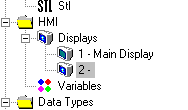
Place the cursor in the name field.
Type in a name. Press enter.
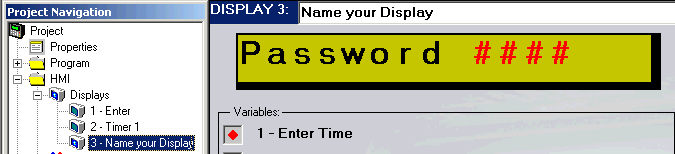
The Display name also appears with the Display number in the Project Navigation Tree.