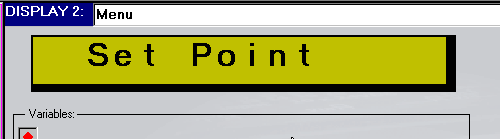
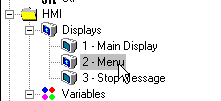
Select the desired Display from the Navigator Window.
The Display opens in the Display Editor.
To create a fixed text Display:
Select the desired Display from the Navigator Window.
The Display opens in the Display Editor.
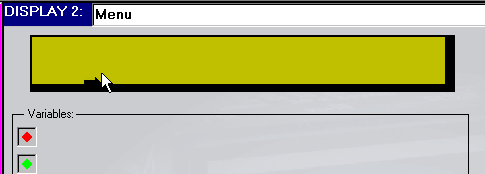
Type in the fixed text to be displayed.