Select Date & Time from the Variable Type check box in the Variable Editor.
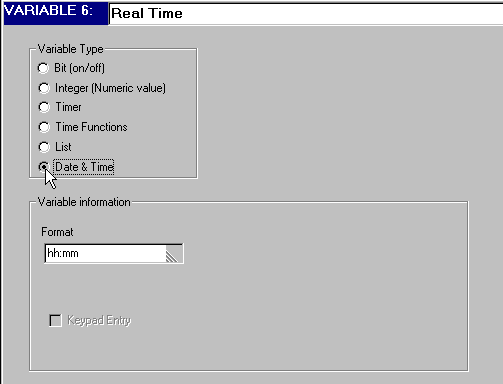
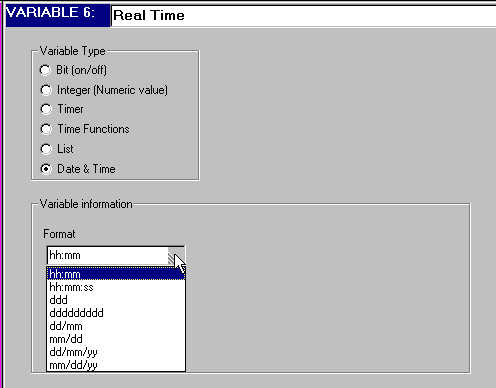
Select the Time & Date Format in the Variable information box.
To display the time and date on the display screen:
Select Date & Time from the Variable Type check box in the Variable Editor.
Select the Time & Date Format in the Variable information box.
Make sure to define a Display field large enough for the selected Date & Time format.