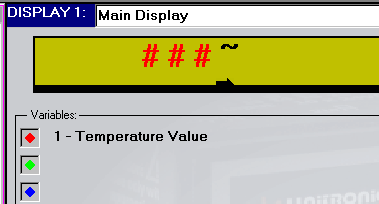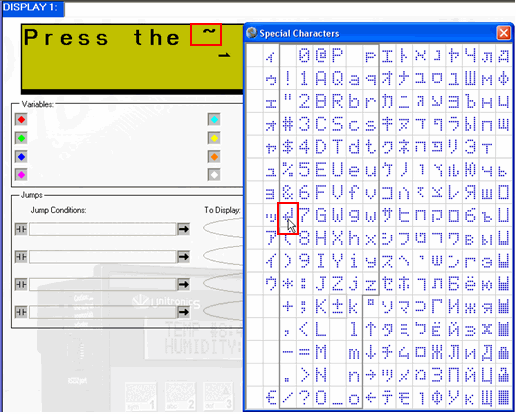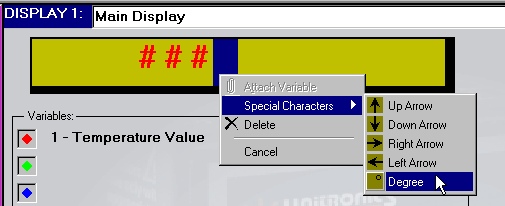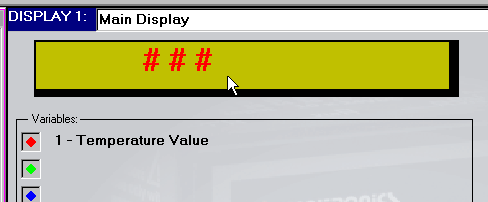
You can display symbols, such as arrows and degree signs, on the controller's LCD. The range of characters depends on whether your controller supports an extended character set, which is a feature of Multilingual Displays.
To place a symbol into a Display:
Choose the position in the Display field .
Right click to open the Variable modification menu.
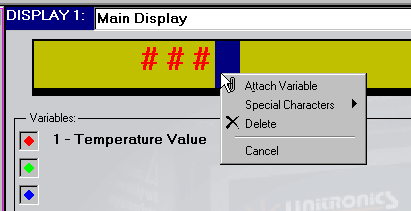
Select Special Characters from the menu; a selection window opens.
The type of window depends on whether the controller selected in Hardware Configuration supports the extended character set.
M90 and certain M91 models (do not support extended characters)
Click the symbol you want to display.
A tilda ~ appears on the Display screen as a placeholder for the symbol you select. The selected symbol will appear on the controller.