U90 Ladder is the software tool you use to create applications for M90, M91, and Jazz PLC s. After you plan the control task, use U90 Ladder to write, debug, and download the PLC control and HMI applications into the controller.
The program editors are where you create and edit both the PLC and HMI aspects of your project application.
There are 3 editors:
The Ladder Editor is a program editor. The Display and Variable Editors are HMI editors. Each editor is operated through a different window. You switch between editors via the Standard Toolbar buttons or in the Project Navigator.
When you are working with U90 Ladder, the optimum PC display resolution is 1024 x 768.
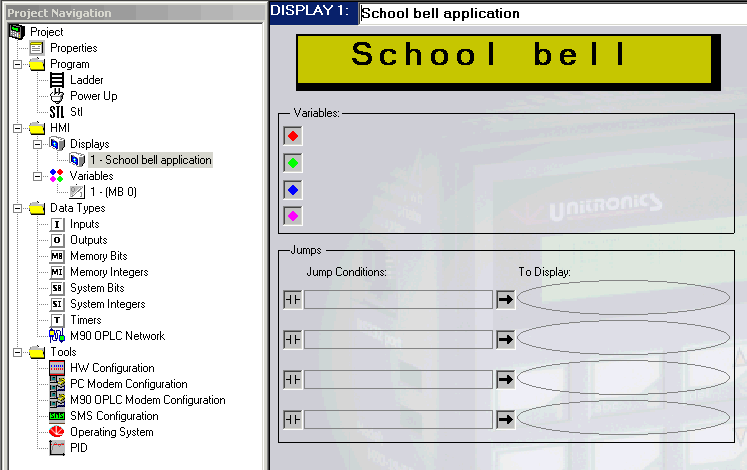
The Project Navigation Tree allows you to navigate easily between components of your program, data types, and U90 Ladder tools.
U90 Ladder can be run in a variety of languages, by selecting Language from the View menu, and then clicking on the desired language.
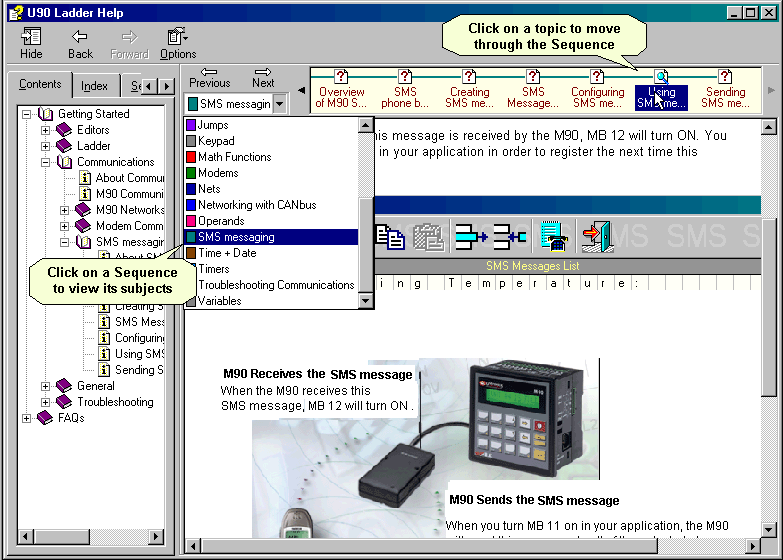
Use the Help browser to learn how to use U90 Ladder effectively. Topics in a browse sequence are classed according to subject. This enables you to see related topics without conducting a search.
The browse sequence shown below is SMS messaging.