Image Elements

HMI Image elements allow you to display simple, fixed images, and variable images based on run-time conditions.

Supported image formats include PNG, JPG, GIF, and SVG.

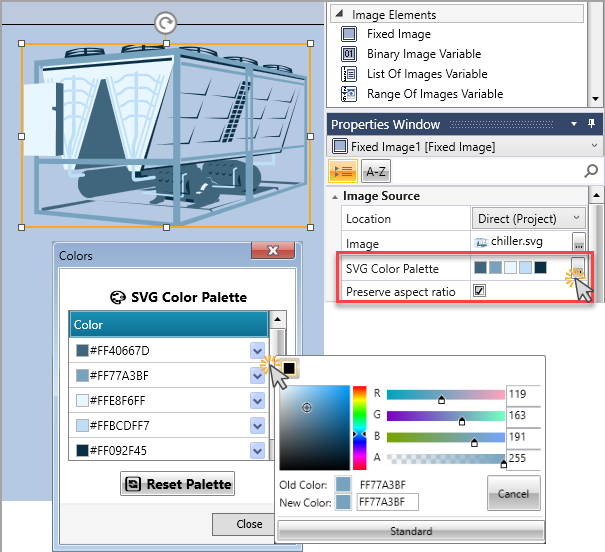
When an SVG image is used in an image element, you can edit its color palette directly in UniLogic.

The SVG Color Palette property lets you reassign colors, preview changes live on the HMI screen, and reset to the original file colors at any time. 

The SVG image also includes a Preserve aspect ratio checkbox. When checked, the SVG image maintains its original proportions within the element area.

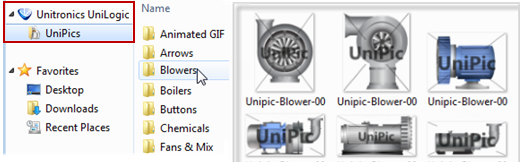
UniLogic includes a built-in library of ready-to-use SVG images.
 

The Binary Image element shown here is open to the Images: Binary Property, displaying the images that show the status of the linked tag.

Image Elements include:

Fixed Images

Binary Image

List of Images

Range of Images

FTP Image


Note that UniLogic's image library, offers a broad range of images.

General Properties

HMI Elements: Properties of Appearance

HMI Elements: Size and Position


Related Topics

HMI Display Editor

HMI Items Collection

HMI Screen Jumps