To delete a single net
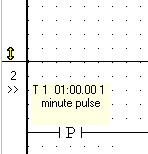
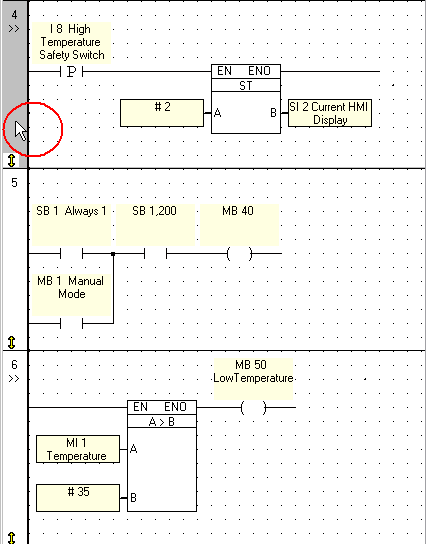
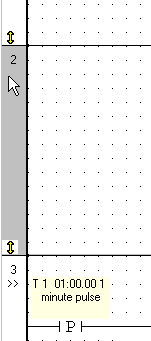
Click in the net number space to select the net. (The white space to the left of the net.)
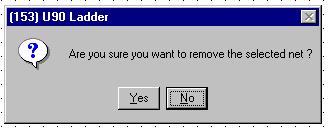
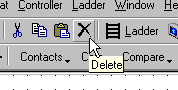
Select delete . A dialog box will prompt you to confirm the delete action.
The net will be deleted.
To delete more than one net
Select the first net by clicking on the left net bar.
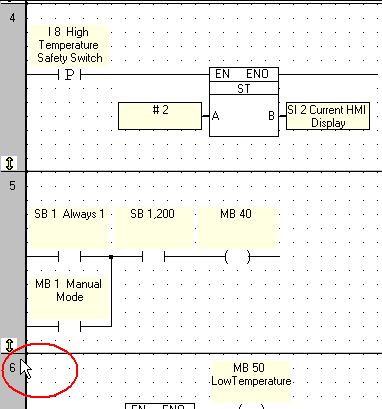
Hold the Shift button and click on the last net in the range that you want to copy.
Click Delete on the Standard toolbar.
Related Topics
How can I change a net's size?
How do I add a new net?
How do I insert a new net between two existing nets?
 . A dialog box will prompt you to confirm the delete action.