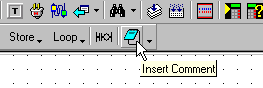
On the Ladder toolbar, click Insert Comment icon .
Move your cursor to the net in which you wish to insert a comment and click.
You can insert comments into the Ladder Editor to label different parts of your program. Comments can be written in Notepad and added later to the project using Cut and Paste functions.
These Comments are 'internal' comments for the programmer(s). The Comments are not downloaded to or displayed on the controller.
To insert comments:
On the Ladder toolbar, click Insert Comment icon .
Move your cursor to the net in which you wish to insert a comment and click.

The Comment will appear above the net.
Type in your comments.
