
You can check the flash memory requirements of a project via Projected Memory Allocation, which is located on the Build menu.
You can also view the current allocated flash memory of a controller via PLC Flash Memory Allocation, which is located on the Connection menu.
Note ♦ |
Vision uses dynamic memory allocation. |
Click the tabs shown on the Projected Memory Map below to view a specific Element
You can drill down by clicking Analyze, at the bottom of the window.
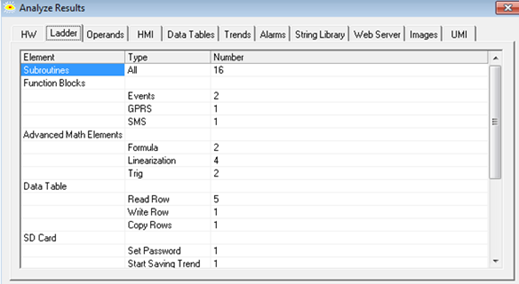
The table below shows how much memory is allocated for the Ladder code; note that an additional sector comprising double that amount is allocated for compiled Ladder code.
Controller Model |
Ladder Code |
Compiled Ladder Code |
Total |
V230, V260, V280 |
64K |
128K |
320K |
V120 |
32K |
64K |
192K |
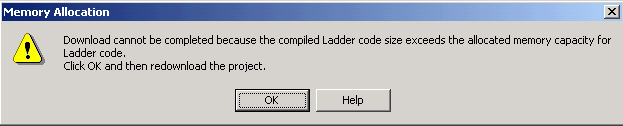
During download, Ladder code is compiled into machine code. The compiled code may exceed the memory that is allocated for compiled Ladder code. If the allocated memory is exceeded, the message below will appear at download.
Note ♦ |
If the second download attempt is not successful, the message will be displayed again. If this occurs, contact technical support. |