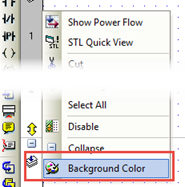
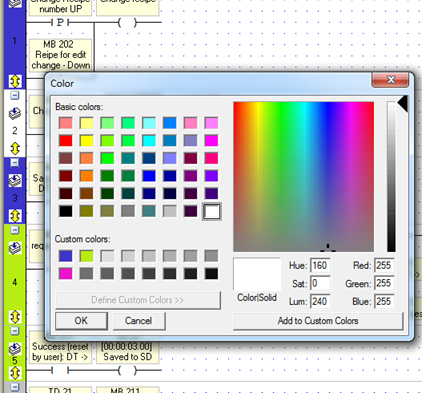
You can visually mark Ladder nets by right-clicking the left-hand strip next to the left Ladder rail and selecting Background Color.
You can select multiple nets, and color different nets different colors.
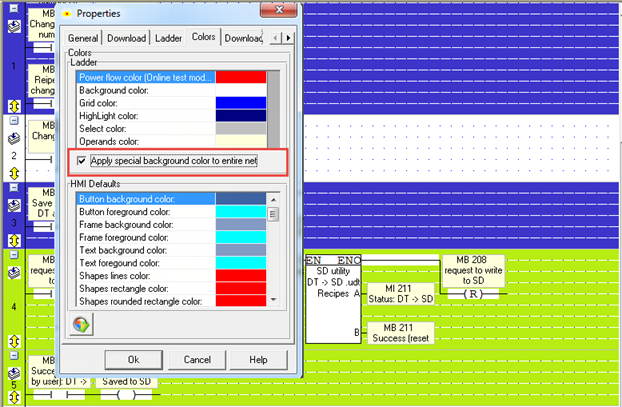
This colors only the side strip; in order to color the entire net, Project>Properties>Colors tab, and check Select entire net.
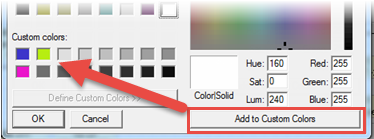
You can select a color and save it by clicking Add to Custom Colors.