Note ♦
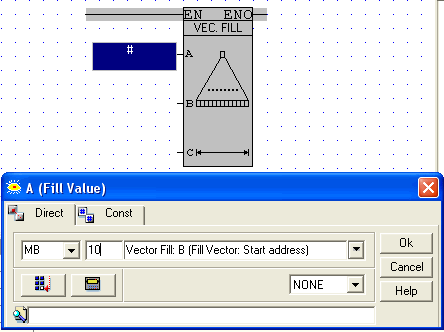
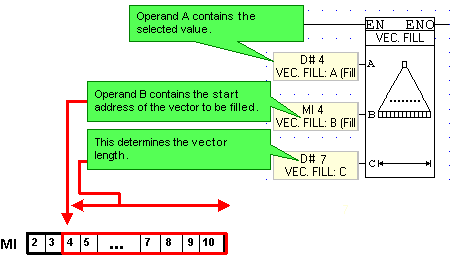
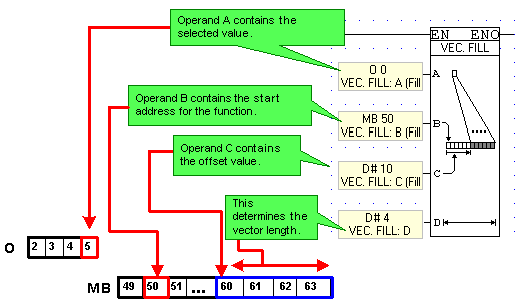
The first operand you select, Fill Value, determines the type of operands you can fill. For example, if you wish to initialize a vector of MBs, you must select the Direct tab, and then select an MB or an Output as the Fill Value. Selecting a register will enable you to write to registers, as will selecting the Const tab and entering a value.