Store Direct allows you to write a value contained in an operand or constant into another operand.
To use the Store Direct function:
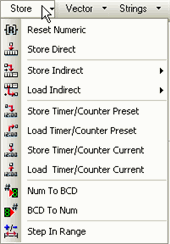
Click Store on the Ladder Toolbar.
Select Store Direct, then place the Store Direct function in the desired net.
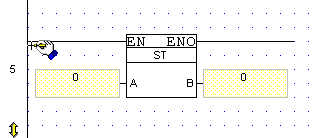
Enter the desired Operands and Addresses.
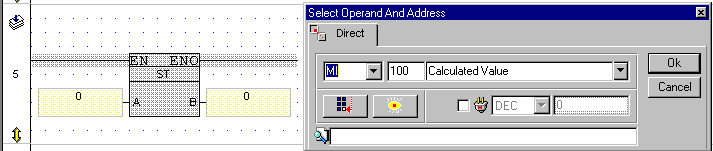
The Store Direct element appears on the net with the set Operands and Addresses.
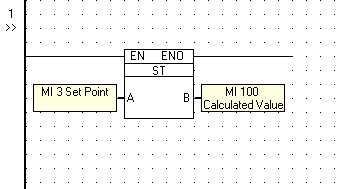
According to the above example, the value in MI 3 will be stored in MI 100. The previous value in MI 100 is overwritten. The current value in MI 3 remains unchanged.