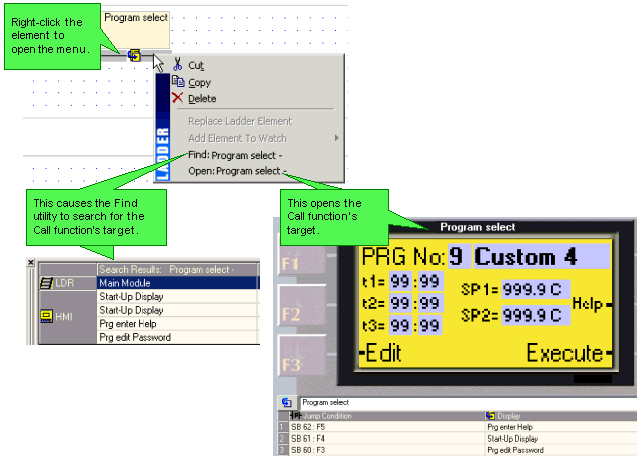
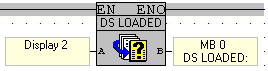
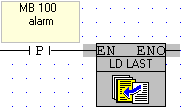
Causes a Display to be shown on the controller's LCD as a response to a Ladder Condition.
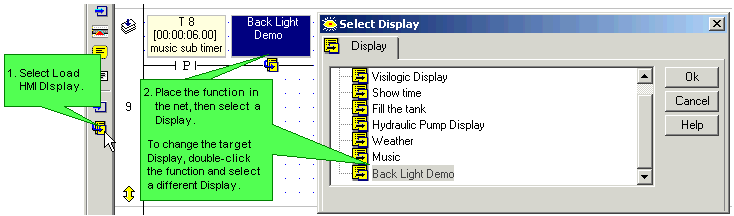
These Ladder functions call HMI Displays. Use these functions to initially load the Display, and then to refresh it when your application requires, as, for example, when you want to update variable display. They are located on the Ladder toolbar, under the HMI menu.
|
Note ♦
|
Load Display functions should not be placed directly on the Ladder rail, or called by conditions that continually call the Display when it is still loaded on the controller screen. |
|
♦ |
You must use a transitional contact to activate a Load HMI Display or Load Last Display function. |
To see a list of HMI Displays in a project, together with the Display number, select HMI Information from the View menu.