Select the desired nets.
To select one net
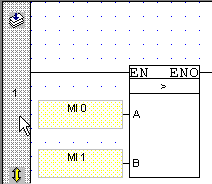
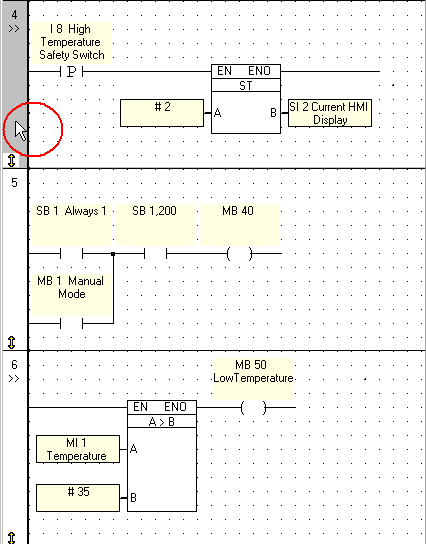
Click on the left rail of a net to select it; the rail in that net turns grey.
To select more than one net:
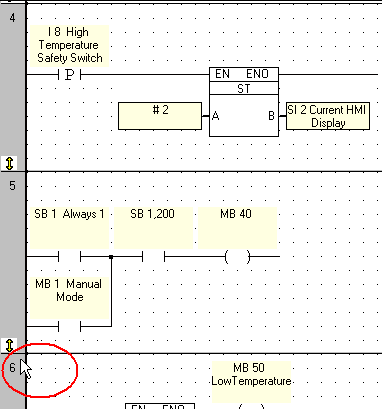
Select the first net by clicking on the left net bar.
Hold the Shift button and click on the last net in the range that you want to delete.
Press the Delete button on your computer keyboard; the net is deleted and all of the nets in your project move up.