Comments Tool
Ladder Editor Comments enable you to place remarks above program nets. Comments can be written directly into the Comment pane, or written in Notepad and pasted into the pane.
Comments are not downloaded to the controller. To toggle Comments in and out of view, press <Alt> + <C>, or select the option from the View menu.
Insert a comment:
-
Click on the Comment icon  ; your cursor changes into a cross-hairs
 .
.
-or-
Select Insert Comment from either the Insert or Ladder menu.
-or-
Right-click on the Ladder, and then select Insert Comment.
-
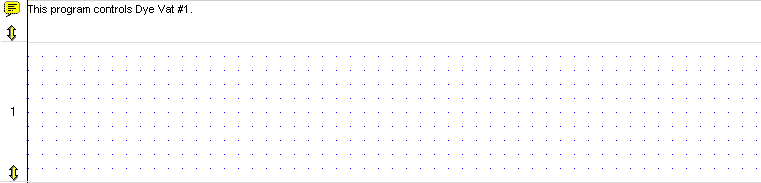
Click on a net; a Comment field opens in the net you clicked.
-
Type text in the field.
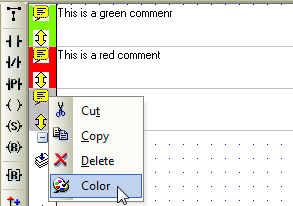
You can also by right-clicking the Comment icon.
-
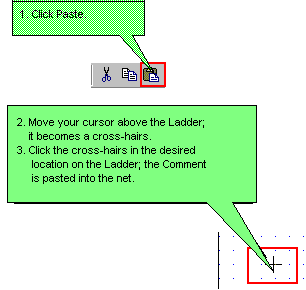
Select the Comment.
-
Place the Comment in the net.
-
Select the Comment.
-
Select Delete.
-or-
Press the Delete button on your PC's keyboard.