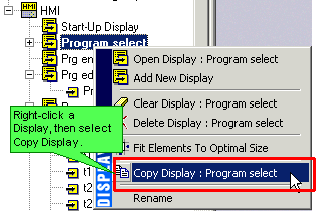
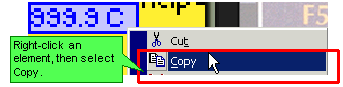
|
Note ♦
|
-
When you paste elements into a Display, the elements paste into the same relative area in the new net. The elements 'remember' their original location. Therefore, before you paste elements into a Display that already contains elements, move any elements that occupy the same position as the paste selection.
-
If you paste variables that are linked to named constant values, note that the constant's description is lost during the paste operation.
-
Variables do not retain their descriptions; they are renamed as Variable 1, Variable 2, etc..
-
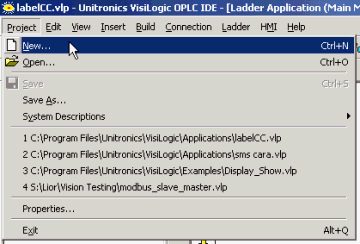
To copy elements between projects, copy your selection from the source project, then open a target project without closing VisiLogic, either by using the New Project or Open project buttons or via these options on the Project menu.
If you close VisiLogic, the selection will be lost.
|