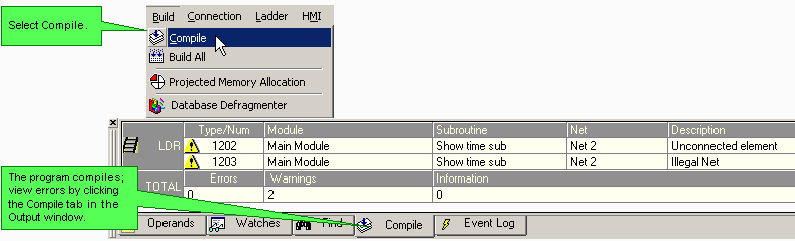
To test your project, compile it.
Select Compile from the Build menu.
After compiling the project, VisiLogic displays errors in the Output Window.
Clicking the Compile tab displays the last compiled results.
Compilation Error Message #37
Message # 37 is displayed when a V120-12-xx is selected in the project's Hardware Configuration, and the project contains a function that is not supported by that model.