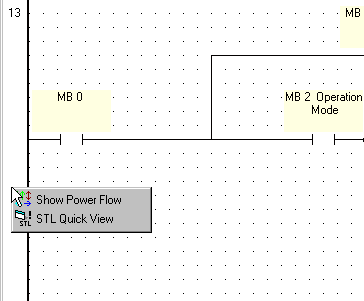
The Show Power Flow feature enables you to check the logic of a net you create.
You can see the Power Flow directions and, from these, how the net will work in the project.
Right-click on the left Ladder bar. The Compiler Results menu appears.
Select Show Power Flow.
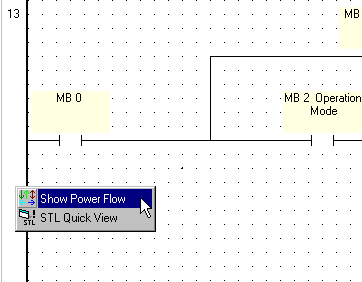
The net lines change color according to the power flow direction.
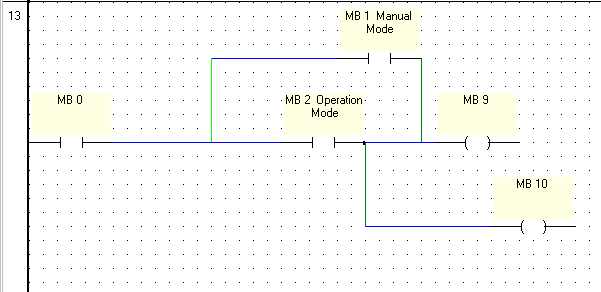
Each color represents a different direction of power flow.
|
Line Color |
Power Direction |
|
Dark Green |
Down |
|
Light Green |
Up |
|
Dark Blue |
Left to Right |
|
Light Blue |
Right to Left |
|
Red |
Up or Down |