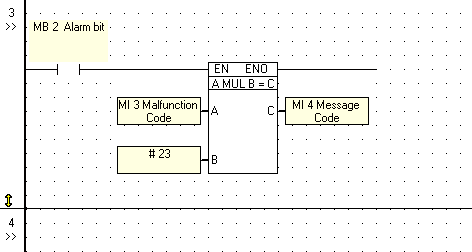
To place a Compare / Math / Logic function block on a net:
Click on the menu containing the desired type of function block,
OR
Right-click on a net to display the toolbar, then click on the desired menu;
the menu opens.
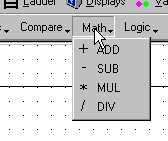
Select the desired operation.
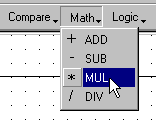
Move the function block to the desired net position.
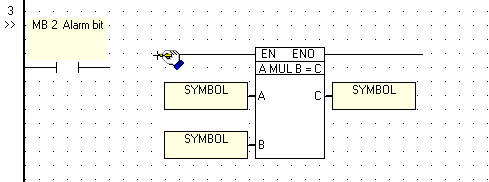
Click to place the element. The Operand Address and symbol dialog box opens.
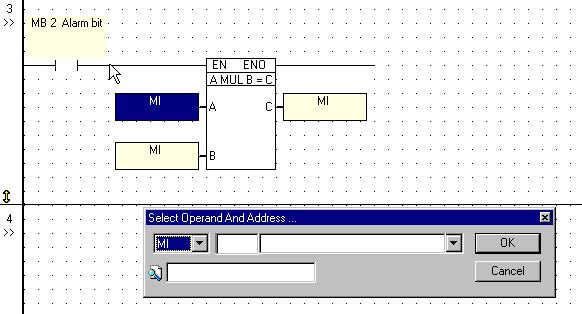
Select the desired Operand type.
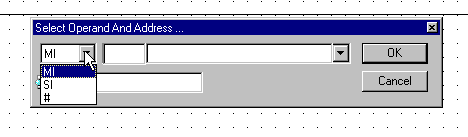
Enter the Operand Address and symbol or constant value for each block variable. Click OK
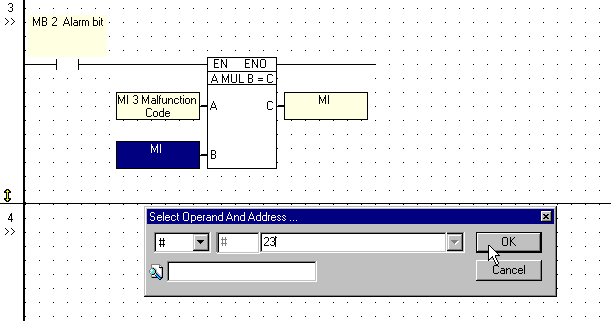
The function block appears on the net with the selected block variable values and symbols.