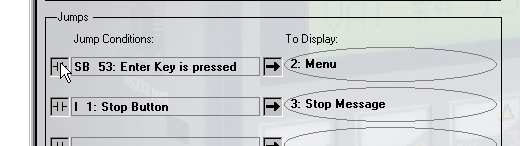
To change a Jump condition:
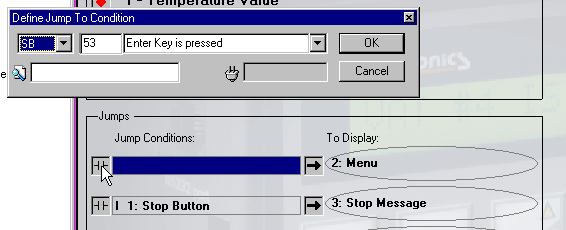
Click on the Jump Condition in the desired Display.
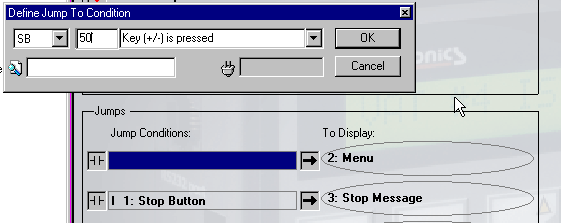
The Define Jump to Condition dialog box opens.
Make the appropriate changes.
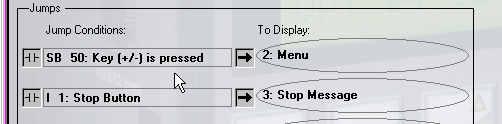
The new Jump Condition now appears in the Display Editor.