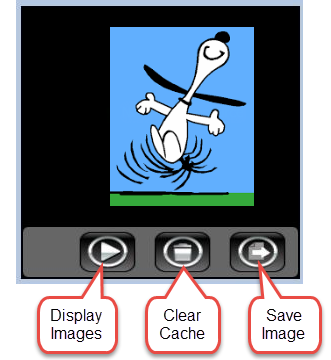
Use the widget to stream files from an IP camera that uploads images to an FTP server. The images are cached in a folder on the SD card. You can also save the image currently being displayed on screen. Buttons on the widget enable the user to display images, clear the image cache, or to save the images currently being displayed.
|
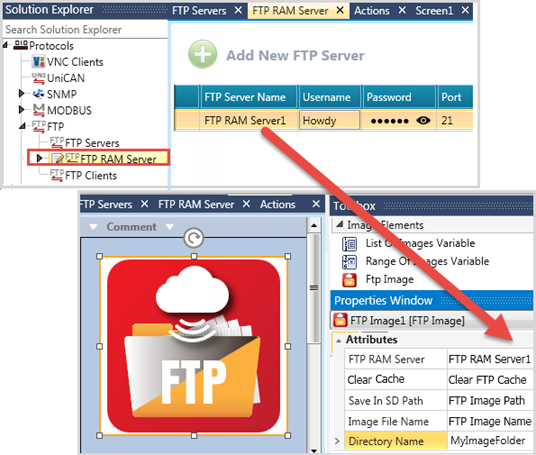
Note that before you can use the widget, you must define the FTP RAM server. under Protocols> FTP. |
After placing the widget on the display, define the Properties.
|
Properties |
|
|
FTP RAM server |
Select a server that you defined. |
|
Clear Cache |
Clear Cache is a widget button. Pressing it clears the cache. In addition, you can assign a bit here, and clear cache via program. |
|
Save in SD Path |
The Save in SD Path widget button will not work if you do not assign a path |
|
Image File Name |
The name must include the file extension, such as Pic.jpg. It can also include a valid SD path /media/images/pic.png |
|
Directory Name |
Enter a text name using English characters. This is the directory where the images are cached on the SD. The directory will be automatically created by the PLC. |