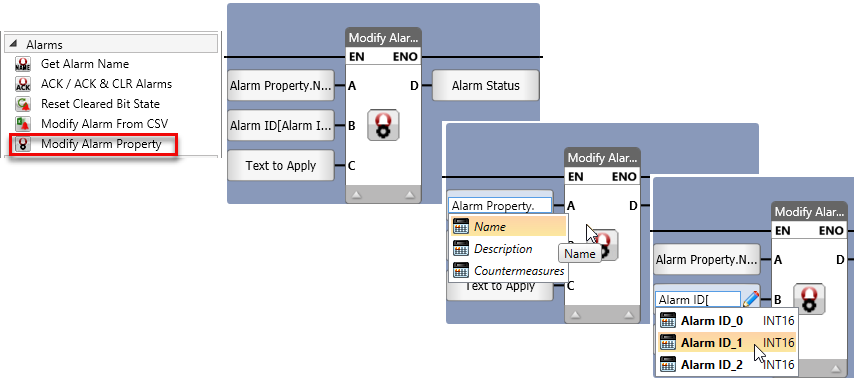
Use this Ladder element to modify the alarm properties in the system.
|
|
Parameter Name |
Purpose |
|
A |
Alarm Property |
Click select the type: 0 = Name 1 = Description 2 = Countermeasures |
|
B |
Alarm ID |
Enter a tag to provide the ID number of the Alarm, or assign a constant number. Note that the alarm ID may be from 1-1024 |
|
C |
Text to Apply |
The text or message that will be displayed when the alarm condition is triggered. |
|
D |
Status |
This is the data tag that will display the status messages. 0=Success 1=Started 2=In Progress -1=No such Alarm ID -2=Update Alarm Failed -5=Internal Error |