UniLogic provides the complete configuration and programming environment for the UniStream control platform.
Use it to:
Configure communications
Create Motion applications for VFD Inverters and Servo drives.
Build control applications in Ladder, C, and Structured Text.
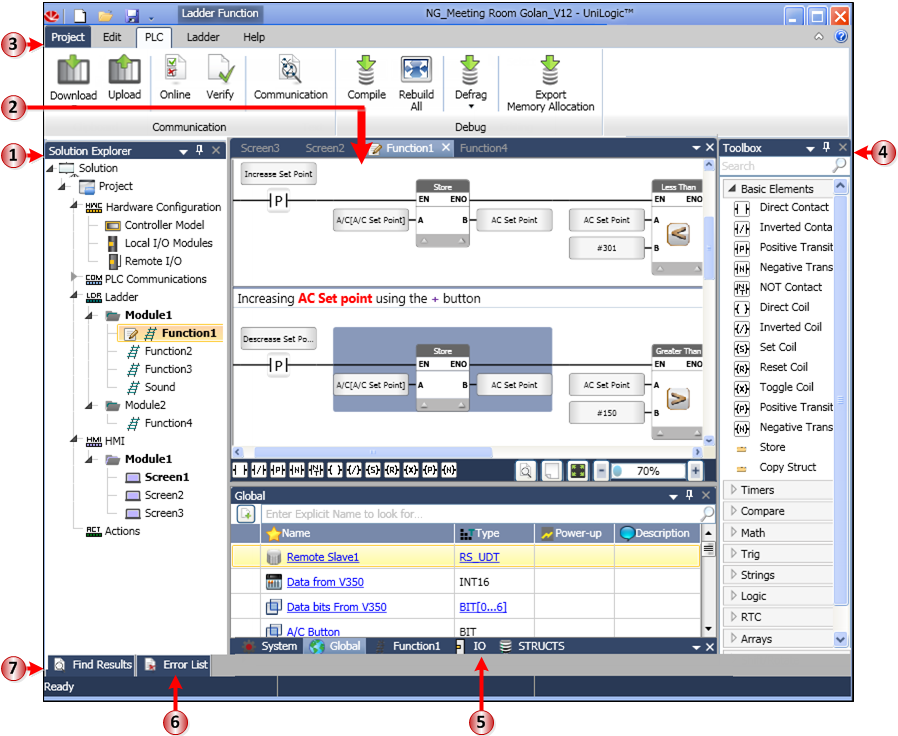
The image below shows UniLogic with the focus on the Ladder editor. It is followed by a table describing the interface.
|
1 |
Solution Explorer |
All aspects of your project are accessible via the Solution Explorer navigation tree. |
|
2 |
Workspace |
This pane shows your current selection. |
|
3 |
Ribbon |
Actions that you can perform are organized under tabs. |
|
4 |
Toolbox |
This is context-sensitive. When Ladder is in the Workspace, the Ladder commands are displayed. Selecting HMI, Hardware Configuration or any other aspect displays the relevant options. |
|
5 |
Tags |
Your project Data Tags are displayed here. |
|
6 |
Error List |
Errors such as Compilation errors are displayed here. |
|
7 |
Find Results |
Right-click an element, tag, or function and select Find; this pane will display all instances where the element is used in the project. |
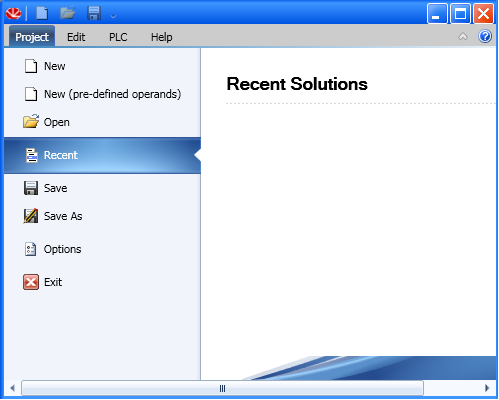
When you open UniLogic for the first time, the program will open showing Recent Solutions. This will be empty until you create and save your first project.
To open your first project, click one of the New options.
There are a number of ways you can learn about UniLogic. Available options include:
The UniLogic Help system
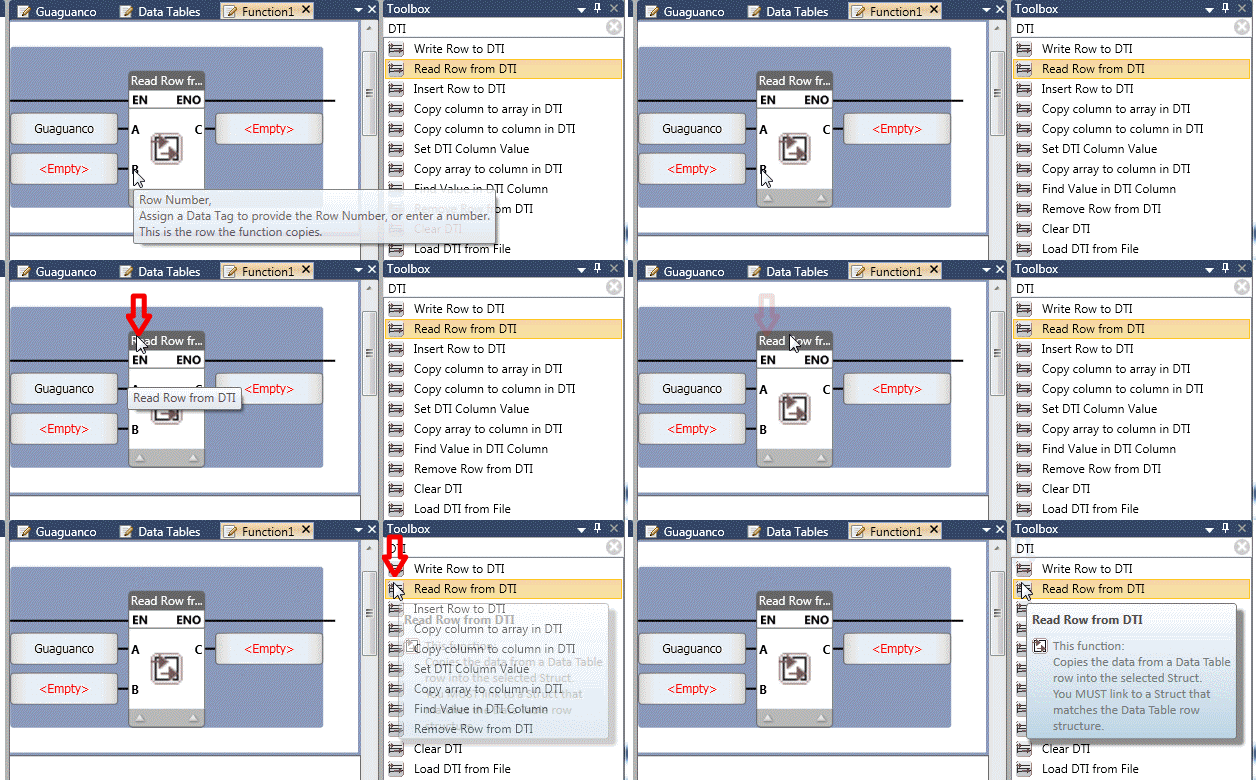
Tooltips: display these by hovering your mouse directly over elements, such as element parameters.
The Unitronics forum, located at: http://forum.unitronics.com.
Contacting support at [email protected].